We use cookies and similar technologies to improve your experience, understand how our website is used, and personalize content. We never sell your data.
You can manage your preferences at any time or learn more in our Privacy Policy.

Mercer University School of Medicine
Follow these instructions to unlock your access and activate your single sign-on to the world's leading medical study and reference platform.
You don't have an account yet
Create an AMBOSS account by using the option "Log in through your institution". After successful registration, your university's campus license is automatically stored in your account. You can then view this in AMBOSS under “Contact details & settings”.
You already have an AMBOSS account
Now all you have to do is link your university to your AMBOSS profile. Go to "Contact details & settings" and enter your university email address in the "Institution sign-in" section. We will then forward you to your university's single sign-on process.
If you need help setting up your account or getting access to AMBOSS, please contact AMBOSS Customer Support.
Mercer University School of Medicine
Follow these instructions to unlock your access and activate your single sign-on to the world's leading medical study and reference platform.
You don't have an account yet
Create an AMBOSS account by using the option "Log in through your institution". After successful registration, your university's campus license is automatically stored in your account. You can then view this in AMBOSS under “Contact details & settings”.
You already have an AMBOSS account
Now all you have to do is link your university to your AMBOSS profile. Go to "Contact details & settings" and enter your university email address in the "Institution sign-in" section. We will then forward you to your university's single sign-on process.
If you need help setting up your account or getting access to AMBOSS, please contact AMBOSS Customer Support.
.avif)
Game-changing tools at every stage, from exam prep to clinical care.

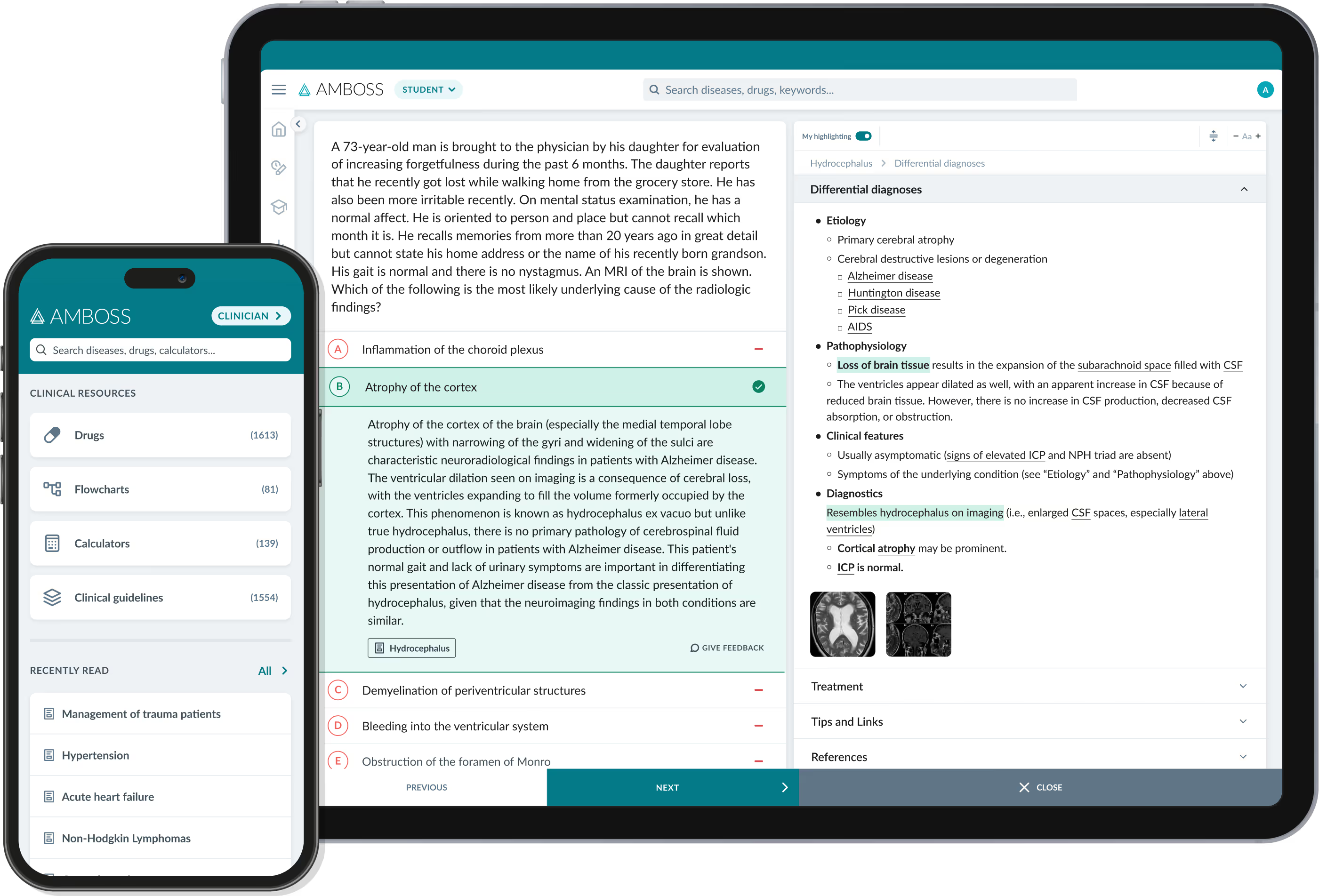
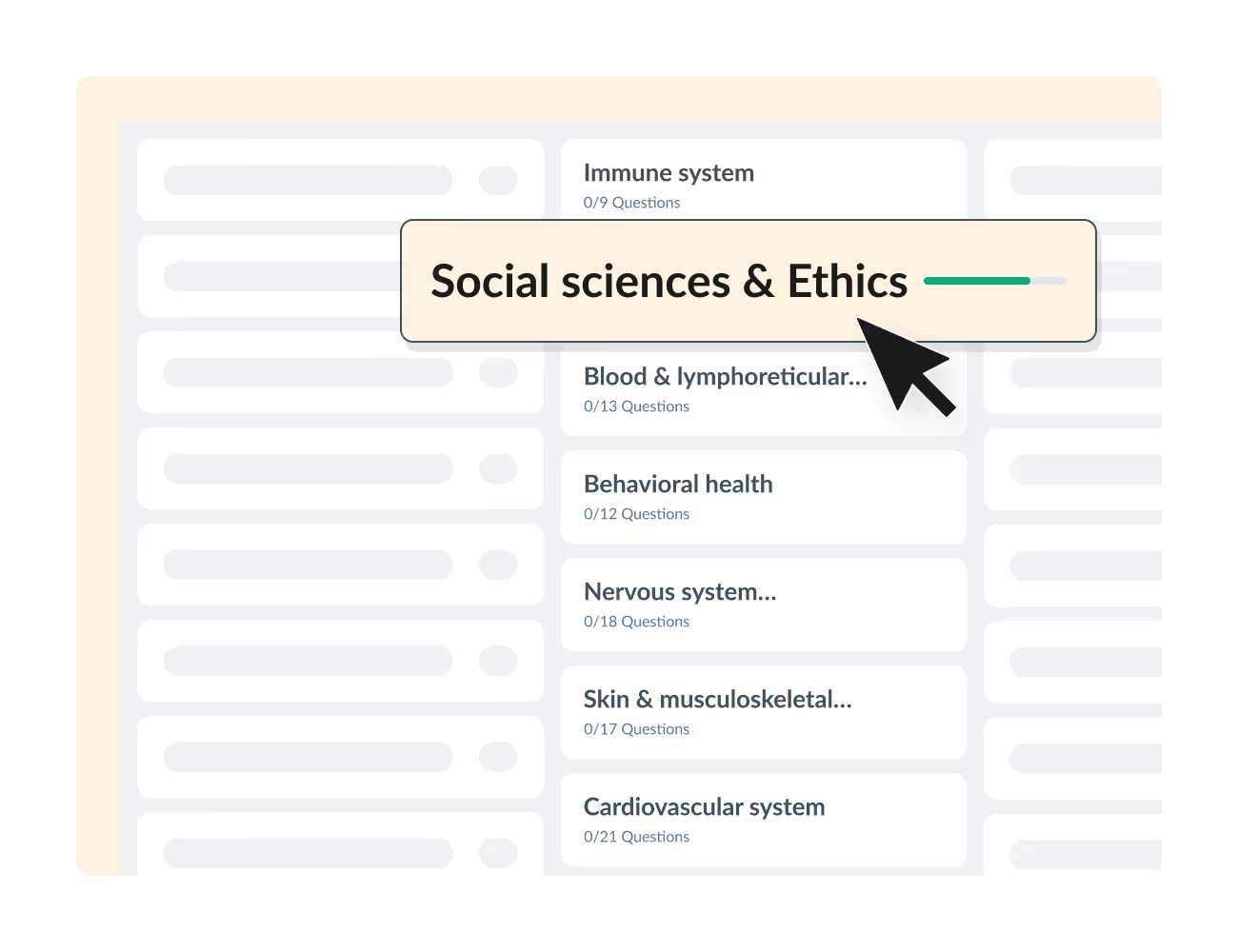
5,900+ high-yield practice questions for Step 1, Step 2, and Shelf exams, with side-by-side explanations from AMBOSS's library.

Explore 1,400+ interactive articles, with image overlays, illustrations, diagrams and more.

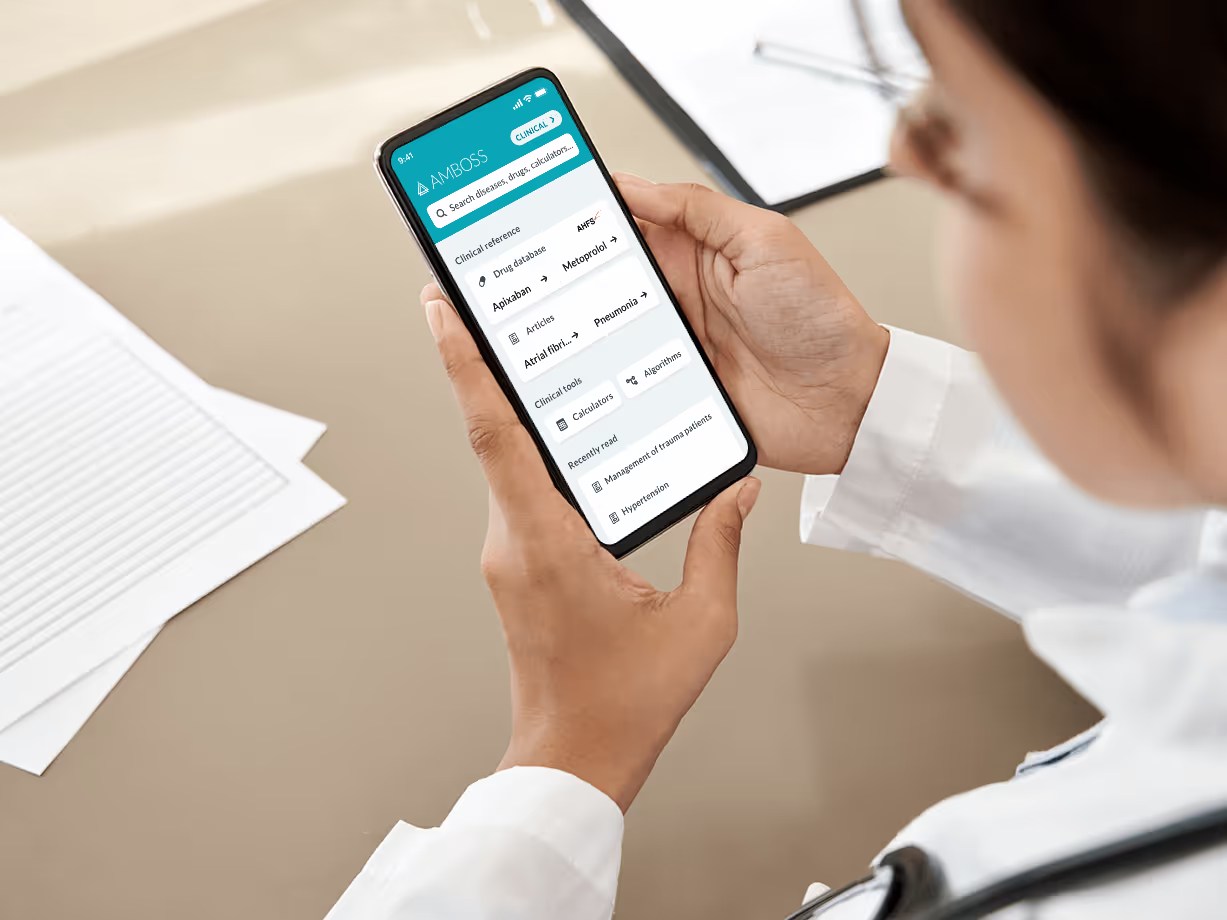
Get trustworthy answers on the go with our Knowledge app.
5,900+ high-yield practice questions for Step 1, Step 2, and Shelf exams, with side-by-side explanations from AMBOSS's library.
Explore 1,400+ interactive articles, with image overlays, illustrations, diagrams and more.
Get trustworthy answers on the go with our Knowledge app.

%20(1).avif)





© 2026 AMBOSS. All rights reserved.